Introduction
Are you tired of spending hours writing assignments, taking notes, or completing projects?
In 2026, students are no longer working harder — they are working smarter with AI tools.
Whether you’re in school, college, or university, AI can help you:
- Write assignments faster
- Summarize long notes instantly
- Generate ideas for projects
- Improve your productivity
👉 The best part? Many of these tools are completely free to start.
In this guide, you’ll discover the best free AI tools for students that can save time, improve grades, and boost efficiency.
How AI Is Changing Student Life in 2026
Students today face more information than ever before.
Assignments, presentations, research projects, exams, and online classes can quickly become overwhelming.
AI tools help students work more efficiently by:
- Summarizing large amounts of information
- Generating study notes
- Improving writing quality
- Organizing tasks and deadlines
- Explaining difficult concepts
The goal is not to replace learning.
The goal is to spend less time on repetitive work and more time understanding the subject.
When used responsibly, AI can become a powerful study assistant.
🔥 Quick Summary
✔ Best Overall: ChatGPT
✔ Best for Writing: Jasper AI
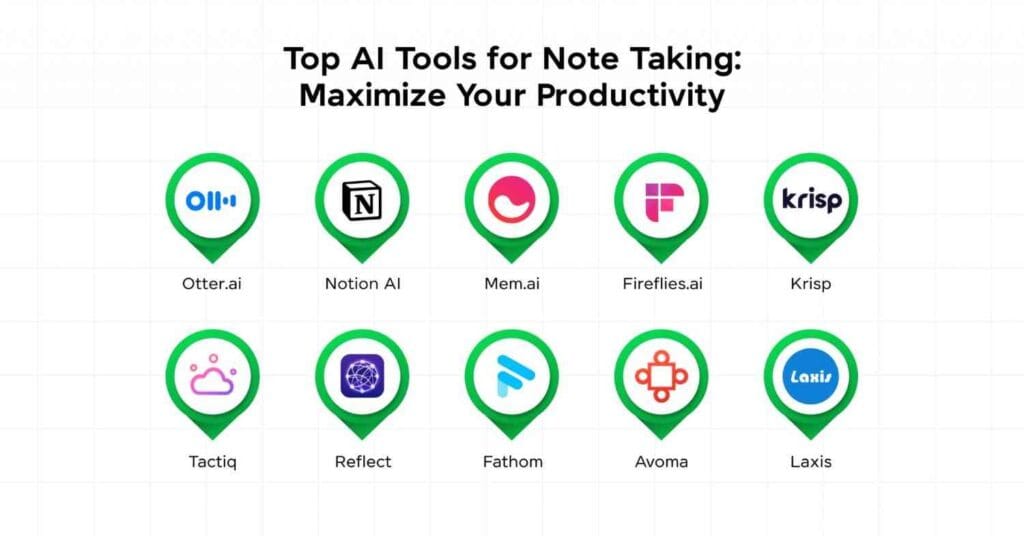
✔ Best for Notes: Notion AI
✔ Best for Grammar: Grammarly
✔ Best for Research: Perplexity AI
🧠 Why Students Should Use AI Tools
AI tools are becoming essential for students.
🔥 Benefits:
1. Save Time
👉 Complete tasks in minutes instead of hours
2. Improve Productivity
👉 Focus on learning instead of repetitive work
3. Better Quality Work
👉 AI helps improve writing and clarity
4. Reduce Stress
👉 Less workload = better performance
Best AI Tool for Different Student Needs
Not every student needs the same AI tool.
Here is a quick recommendation guide.
| Need | Best Tool |
|---|---|
| Writing Assignments | ChatGPT |
| Grammar Checking | Grammarly |
| Research | Perplexity AI |
| Note Taking | Notion AI |
| Presentations | Canva |
| Paraphrasing | QuillBot |
| Reading Notes Aloud | Speechify |
| Study Summaries | Mindgrasp AI |
This makes it easier to choose the right tool without wasting time testing dozens of options
🎯 Best Free AI Tools for Students (2026)
🥇 1. ChatGPT (Best Overall Free AI Tool)
Why Students Love It
ChatGPT is the most powerful AI assistant for students.
👉 You can use it to:
- Write essays
- Solve problems
- Generate ideas
- Explain concepts
Features:
- Free plan available
- Easy to use
- Multi-purpose tool
Best for:
👉 Assignments, research, explanations
👉 Pro Tip: Use ChatGPT for drafts, then refine manually
10 Best AI Voice Generators in 2026
🥈 2. Notion AI (Best for Notes & Organization)
Why It’s Powerful
Notion AI helps you:
- Take notes
- Summarize lectures
- Organize tasks
Features:
- Smart note-taking
- Task management
- AI summaries
Best for:
👉 Students managing multiple subjects
🥉 3. Grammarly (Best for Writing & Grammar)
Why Use It?
Grammarly improves:
- Grammar
- Clarity
- Tone
Features:
- Real-time corrections
- Free version available
Best for:
👉 Essays, emails, assignments
📚 4. Perplexity AI (Best for Research)
Why It’s Unique
Perplexity AI provides:
- Real-time answers
- Source-backed information
Best for:
👉 Research & projects

✍️ 5. Jasper AI (Best for Advanced Writing)
Why Use Jasper?
- High-quality content generation
- Blog-style writing
👉 Paid tool (but worth it for serious students)
🎨 6. Canva (Best for Presentations & Design)
Features:
- Presentation templates
- Infographics
- Posters
Best for:
👉 School projects
📄 7. QuillBot (Best for Paraphrasing)
Features:
- Rewrite content
- Improve sentences
Best for:
👉 Assignments
📊 8. Tome AI (Best for Presentations)
Features:
- AI slide generation
- Storytelling

🎧 9. Speechify (Best for Reading Text)
Features:
- Convert text to audio
- Listen to notes
🧠 10. Mindgrasp AI (Best for Learning)
Features:
- Summarize lectures
- Extract key points
⚡ How to Use AI Tools for Studying (Step-by-Step)
Step 1: Research Topic
Use:
👉 Perplexity / ChatGPT
Step 2: Generate Content
Use:
👉 ChatGPT / Jasper
Step 3: Improve Writing
Use:
👉 Grammarly
Step 4: Create Notes
Use:
👉 Notion AI
Step 5: Design Projects
Use:
👉 Canva
📈 Free vs Paid AI Tools
Free Tools:
- ChatGPT
- Grammarly
- Canva
Paid Tools:
- Jasper AI
- Advanced Notion AI
👉 Free tools are enough for beginners
👉 Paid tools = faster results

💰 Hidden Opportunity (IMPORTANT)
Even though students search for “free” tools:
👉 You can promote:
- Premium upgrades
- Advanced features
👉 This leads to affiliate income 💰
⚠️ Mistakes Students Should Avoid
❌ Copy-paste AI content
❌ Relying 100% on AI
❌ Not verifying information
🎯 Pro Tips for Students
✔ Use AI as assistant, not replacement
✔ Combine multiple tools
✔ Always edit content
Best AI Tools for Bloggers in 2026
My Recommended Free AI Toolkit for Students
If I were a student in 2026 and wanted to spend as little money as possible, I would use:
ChatGPT
For assignments, explanations, and brainstorming.
Perplexity AI
For research and finding reliable information.
Grammarly
For proofreading and improving writing quality.
Notion AI
For organizing notes and study schedules.
Canva
For presentations, posters, and project work.
This combination covers nearly everything a student needs while keeping costs low.
FAQ Section
What is the best free AI tool for students?
ChatGPT is often considered one of the most versatile free AI tools because it can help with writing, research, explanations, and study assistance.
Can AI help students improve grades?
AI can help students study more efficiently, organize information, and improve writing quality, but learning and understanding the material remain essential.
Is it okay to use AI for assignments?
AI should be used as a learning assistant. Students should always review, edit, and verify any content before submission.
Which AI tool is best for research?
Perplexity AI is popular because it provides source-backed answers and can help students find relevant information quickly.
🎯 Final Verdict
AI tools can:
- Save time
- Improve grades
- Reduce workload
👉 Students who use AI smartly will have a huge advantage in 2026

How I Would Start a Faceless YouTube Channel With AI in 2026
🚀 Start Using AI Tools Today👉 Try ChatGPT for free
👉 Organize notes with Notion AI
👉 Improve writing with Grammarly
👉 Create designs with Canva
ElevenLabs vs Murf AI (2026) – Which AI Voice Generator is Best for YouTube, Content & Automation?
Best AI Tools for YouTube Automation (2026) – Grow Faster & Earn More